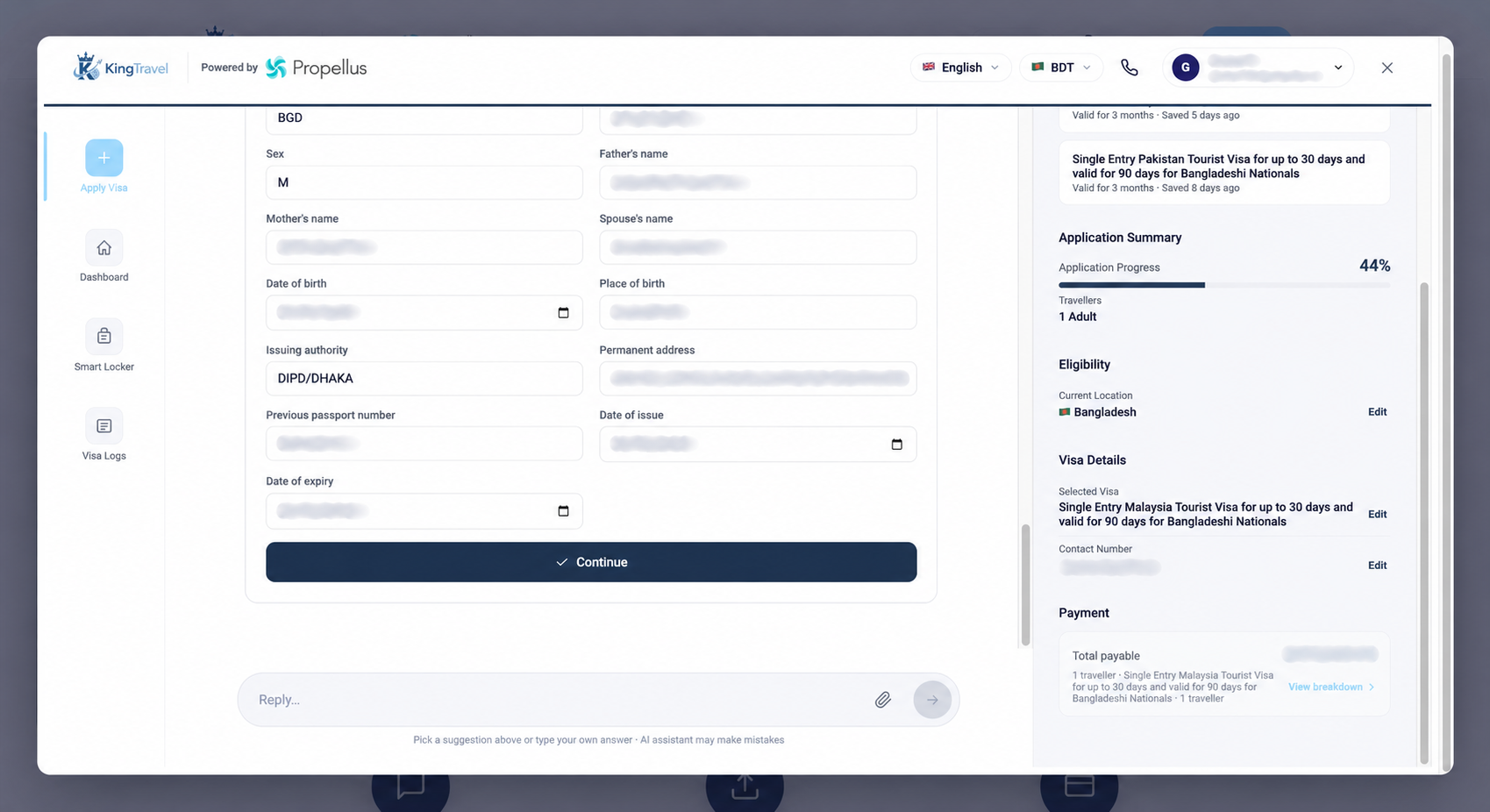
A traveller sends a passport. Someone reads it, enters the details into a working file, checks the supporting documents and enters some of the same information again into a visa form. If a correction arrives later, the team has to find every place that needs updating.
The opportunity is to reduce those repeated handoffs while keeping the checks that matter. Faster typing alone does not fix a fragmented process.
Start with one application, from beginning to end
Before changing the workflow, follow a representative application through the team. Where is the traveller’s name entered? Where is the passport number copied? Which information comes from a document, and which answers must come from the traveller?
Record where the same information is entered more than once. Also note who owns corrections. This gives you a practical starting point for a demo or pilot, without assuming every application has the same requirements.
Extract information, then make it reviewable
Propellus’s preparation journey starts with guided intake and document collection. Document extraction makes information available for the application, reducing the need to type every value from scratch. Checks can then highlight gaps or mismatches for attention.
Extraction is a starting point for review. A hard-to-read scan or an inconsistency between documents still needs someone to resolve it. The useful working view brings the extracted information and the issue together, so the team knows what to check.
Correct the file before the next handoff
Consider an illustrative example: the name entered during intake differs from the name on the passport. The next step is to confirm the correct information and update the prepared application. Carrying an unresolved mismatch into another form only moves the work further down the process.
Keep responsibility clear: who contacts the traveller, who checks the replacement document and who decides the application is ready for the next stage?
Include the portal in the workflow
An internal form is not the end of the journey. For supported portals, Smart Bridge is the step that transfers reviewed information and documents into the official application workflow. The team reviews the populated application and controls final submission.
Application preparation and portal support should be checked separately for the markets you serve. Configuring a visa workflow does not establish that every government portal is supported.
Measure the work that actually changed
For a pilot, compare similar cases before and after the change. Track repeated manual entry, correction rounds and active staff handling time. Keep waiting for a traveller or an external decision separate from the time your team spends preparing the file.
That gives you a meaningful basis for deciding what to automate next. The aim is a clearer process that lets people spend their attention on exceptions and final review.
See the workflow
Bring your team’s process to the conversation.
Explore the product and discuss the destinations and application stages that matter to your business.